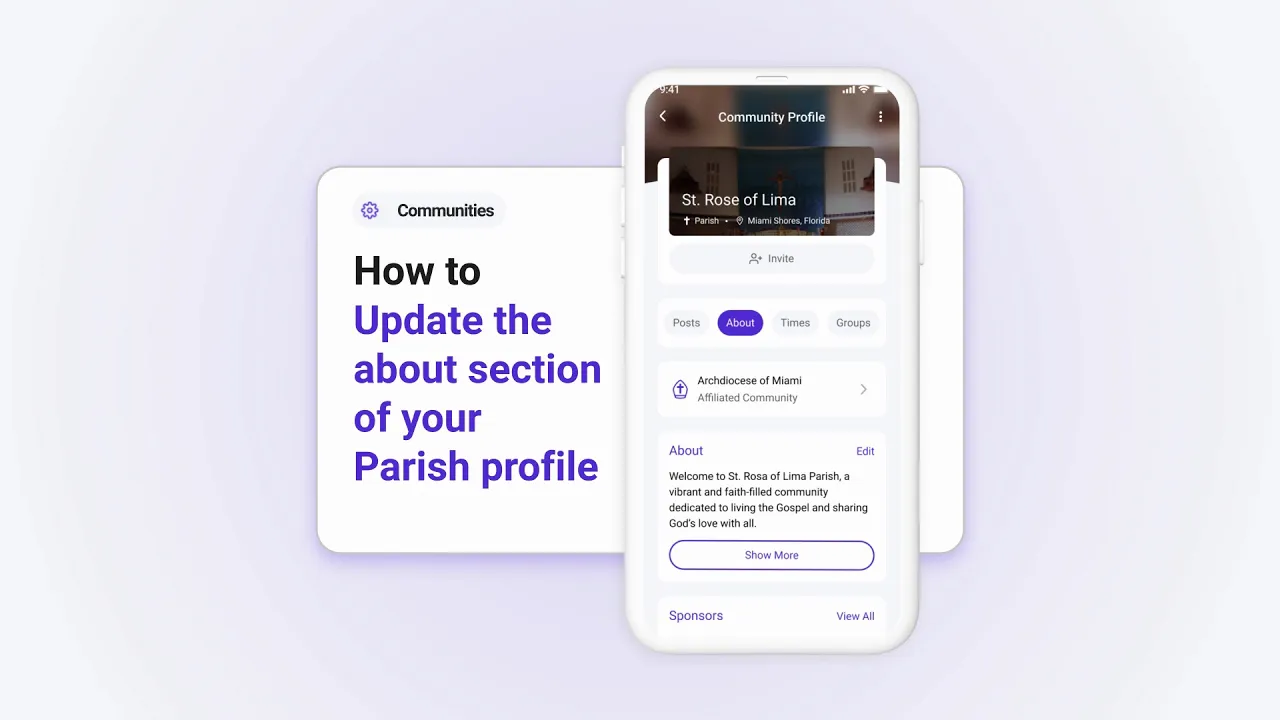
How to Update the About Section of Your Parish's Profile
The About section of your parish's profile helps you share your mission and key details with your community. Here’s how to update it:
Step 1: Access the About Section
Go to your parish profile and tap About.
Tap the Edit button to make changes.
Step 2: Add or Edit Details
Update your community’s name and description.
Include a mission statement or any details that represent your parish.
Step 3: Save Changes
- Once you’ve made the updates, tap Save Changes. Your new details will be visible to all parishioners.
Why Update the About Section?
A well-crafted About section:
Represents your parish’s mission and community identity.
Helps new members understand what your parish stands for.
Update your About section regularly to reflect your parish's evolving mission and activities.