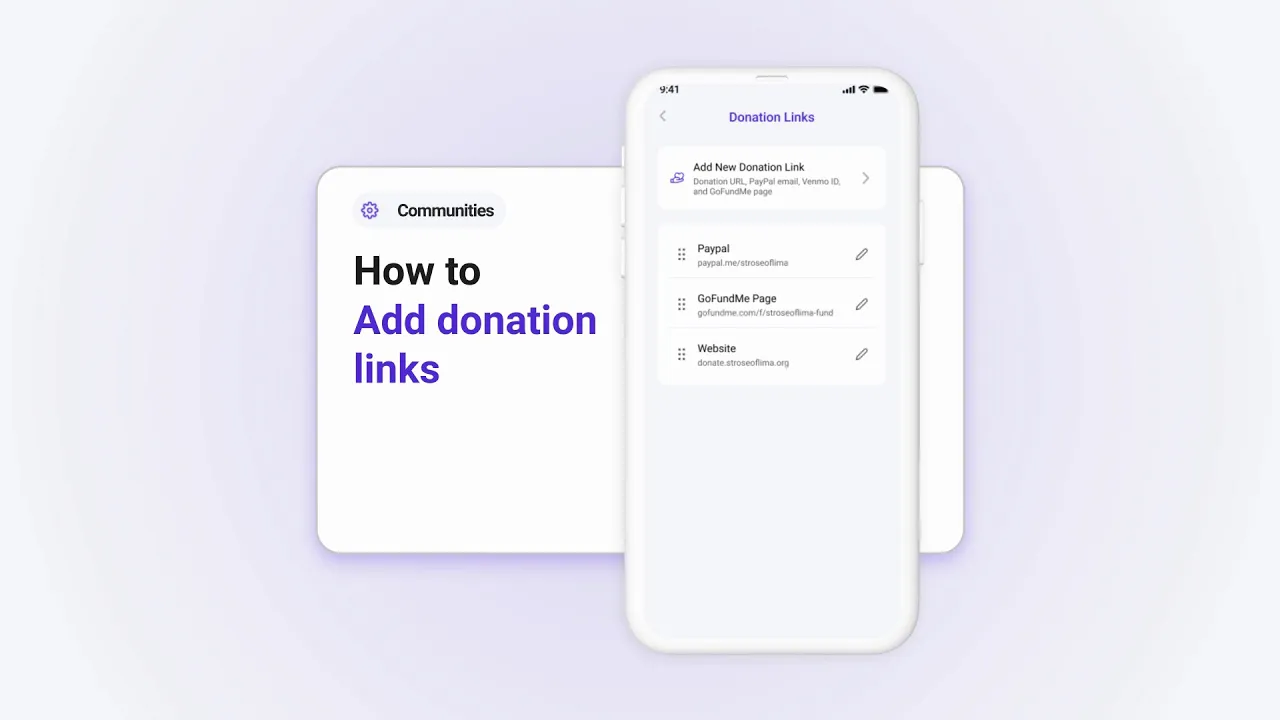
How to Add Donation Links to Your Parish's Profile in Tabella
Adding donation links to your parish profile allows your community to support your mission easily. Here’s how to set it up:
Step 1: Access Donation Links
Tap Manage under Community Info.
Select Donation Links.
Step 2: Add a New Donation Link
Tap Add New Donation Link.
Input a title (e.g., "Sunday Collection") and paste the donation URL, PayPal email, or Venmo ID.
Step 3: Save the Link
Tap Save, and the donation link will appear on your profile.
Why Add Donation Links?
Donation links help:
Make online giving simple and accessible for parishioners.
Support your parish's financial needs effectively.
Set up donation links today to make giving easier for your community!