How to Assign Administrator or Collaborator Roles in Tabella
Assigning roles in Tabella helps you share responsibilities and manage your parish more effectively. Here’s how to do it:
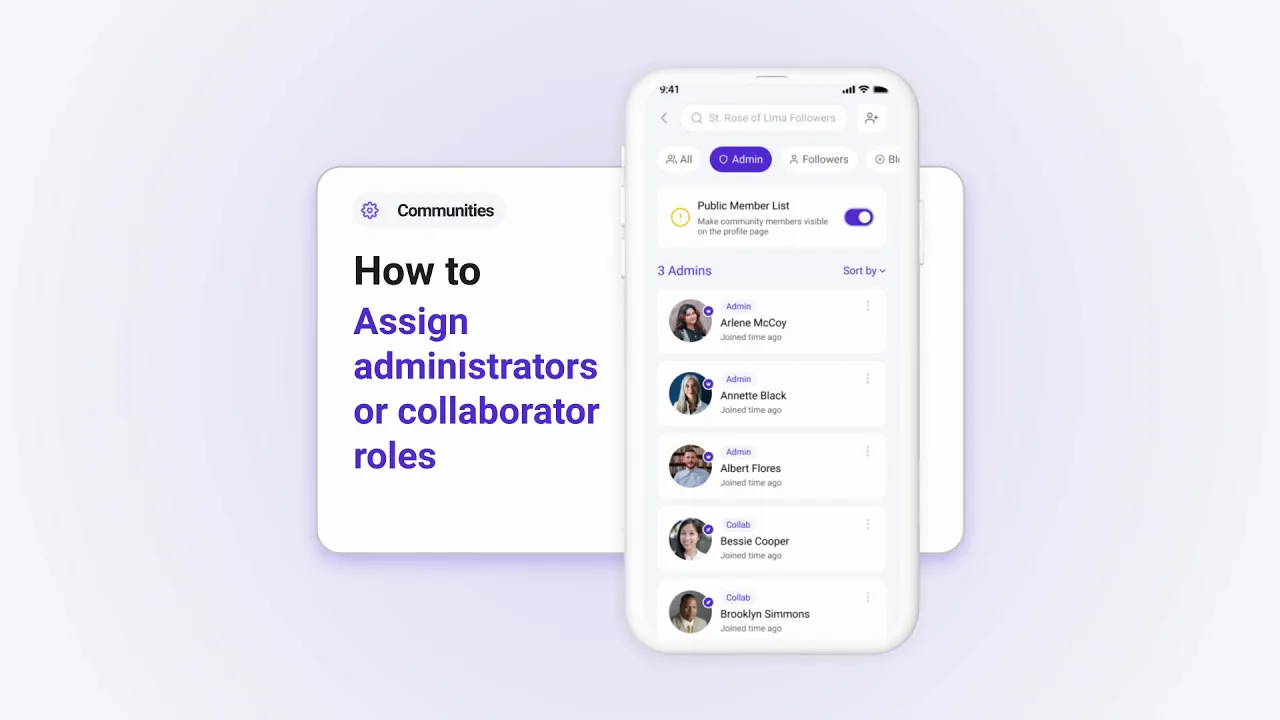
Step 1: Access Role Management
Tap Manage in your parish profile.
Select the Roles option.
Step 2: Add a Team Member
Enter the email address of the person you’d like to assign a role.
Choose between:
Administrator: Full access to manage posts, schedules, and more.
Collaborator: Limited access for specific tasks.
Step 3: Save the Role
Tap Save to assign the role. The user will receive an invitation to join your parish team.
Why Assign Roles?
Assigning roles allows you to:
Share the workload among trusted team members.
Enhance collaboration and efficiency within your parish team.
Start assigning roles today to build a stronger, more organized parish team!