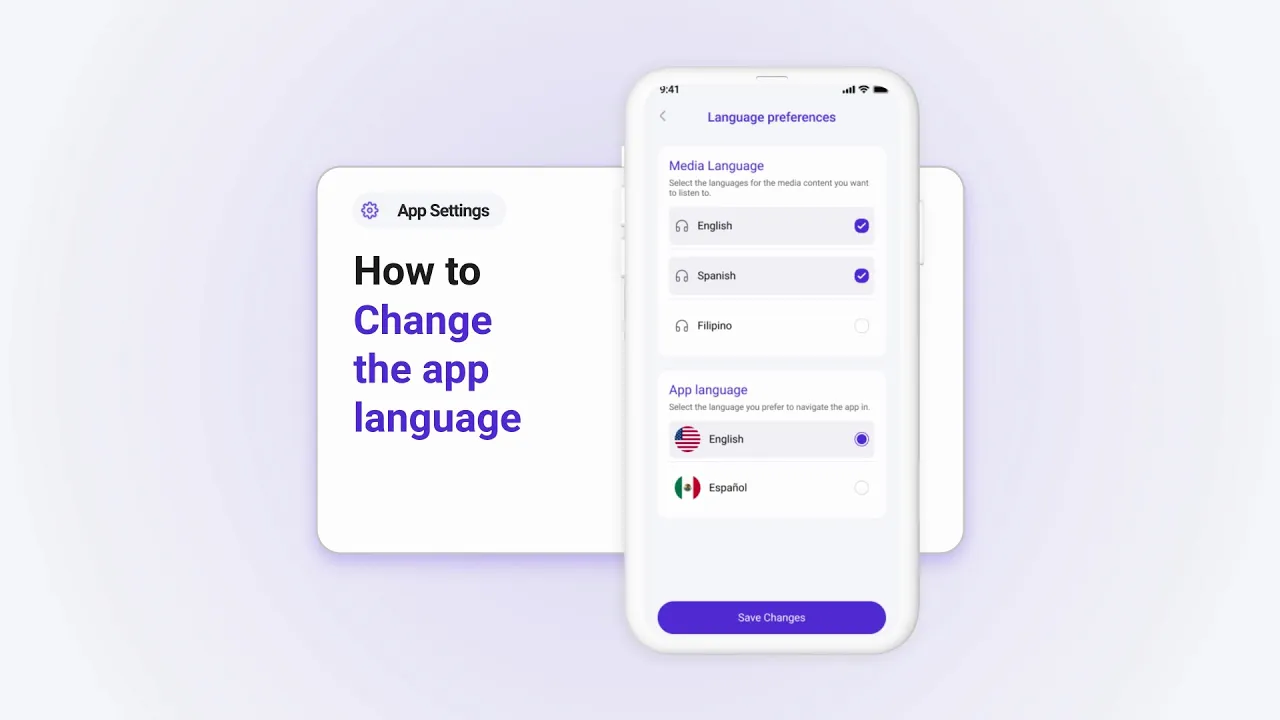
How to Change the App Language in Tabella
Tabella supports multiple languages to help you use the app in your preferred language. Here’s how to change it:
Step 1: Access Language Preferences
Tap on your profile picture in the top-right corner of the screen.
Select Language Preferences from the settings menu.
Step 2: Customize Your Language Settings
Choose your App Language (e.g., English, Spanish, Filipino).
Select your Media Language to customize the language for media content.
Step 3: Save Your Preferences
After selecting your preferred settings, your app and media content will automatically update to the chosen languages.
Why Change the Language?
Customizing the language ensures:
A more comfortable and personalized user experience.
Easier access to content in your native or preferred language.
Explore Tabella in the language that best suits you today!