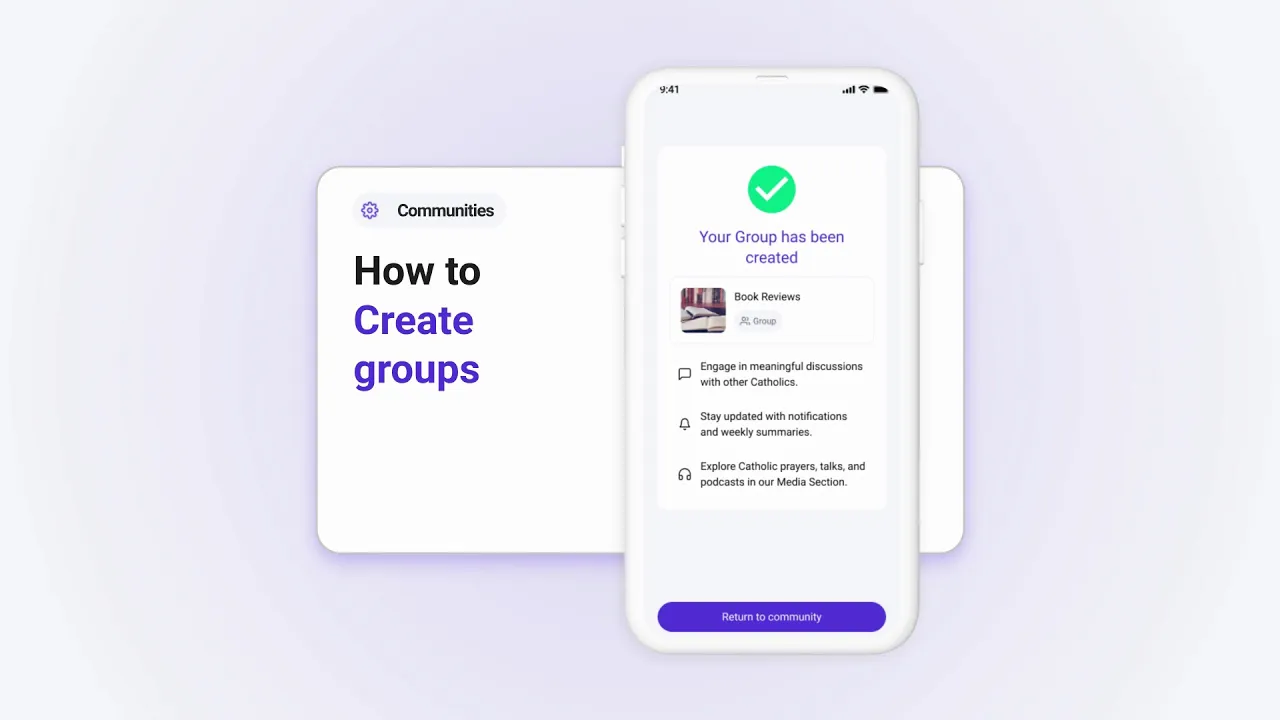
How to Create Groups Within Your Parish in Tabella
Creating groups in Tabella allows you to organize activities and ministries efficiently. Follow these steps to create a group:
Step 1: Access Group Management
Tap Manage in the Community Info section.
Select Create Group.
Step 2: Define the Group Type
Choose between:
Independent Group: A stand-alone group not linked to your parish.
Connected Group: A group directly linked to your parish.
Step 3: Add Group Details
Name your group and provide a brief description of its purpose.
Step 4: Save the Group
Once you’ve entered the details, tap Save to create the group.
Why Create Groups?
Groups in Tabella help you:
Organize parish ministries and activities.
Foster a sense of community among members.
Simplify communication and coordination.
Start creating groups today to enhance your parish organization!